Ønsker · Own product · Co-founder & developer · 2023 — now
A wishlist the whole family can use — no duplicate gifts, no ads, and no signup to reserve
oensker.dkAbout the project
The problem
We created Ønsker because we were tired of wishlist platforms that feel more like a webshop than a wishlist — where your wishes end up surrounded by products someone else would like you to buy.
The product
Ønsker lets you create wishlists and share them with friends and family. There are no ads, and you can add as many wishes as you like — typed in by hand or fetched from a product link.
Constraints
Built and run by two developers, so the product has to look after itself. It is free, it shows no ads or sponsored products, and it has to make sense to a grandparent on the first click. Growth comes from lists being shared and from search — there is no ad budget.
My role
Co-founder and developer, building Ønsker together with Per Hansen — we have worked side by side since our time at Visma Dinero. We design and build everything together, from the web app to the native apps.
Highlight
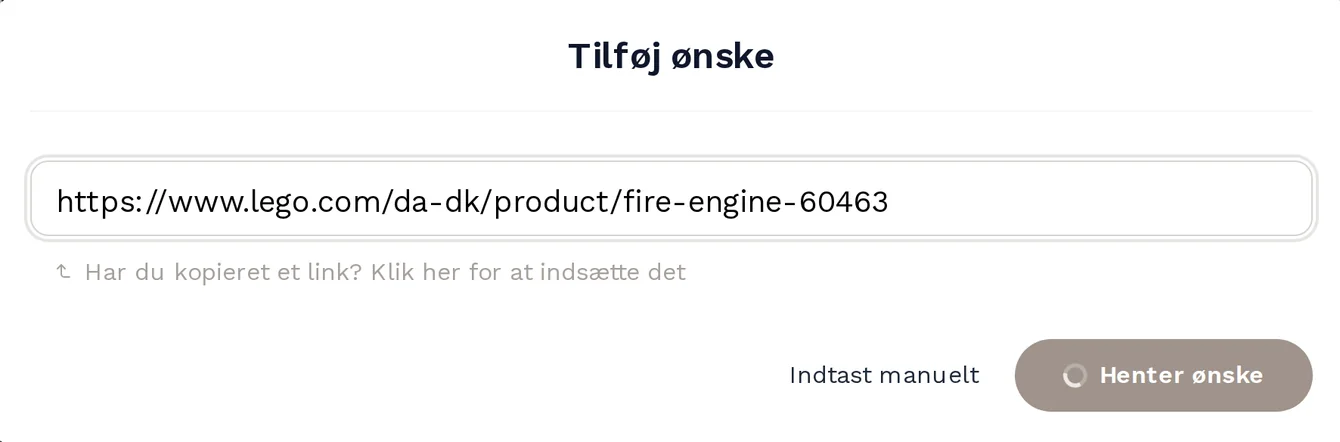
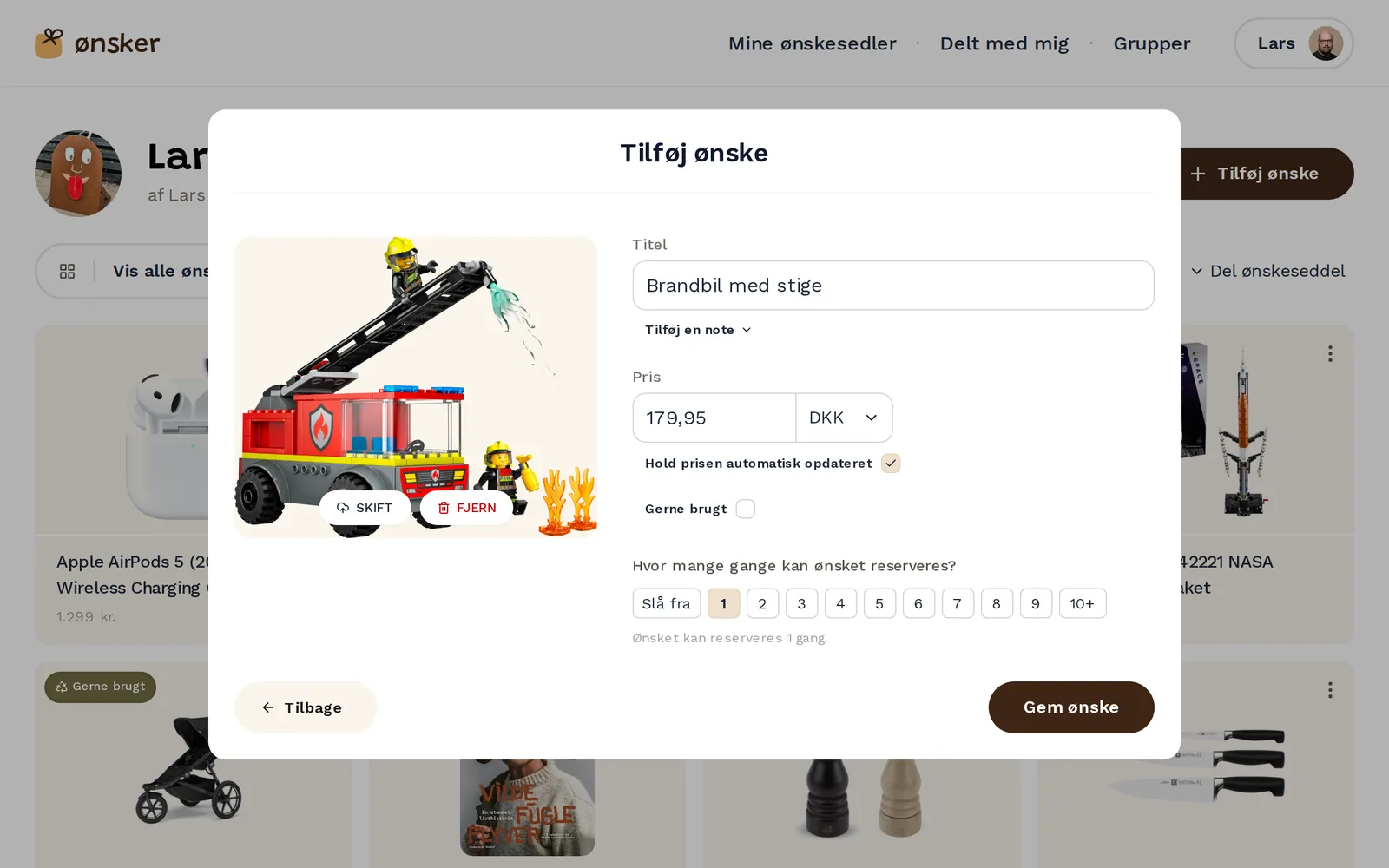
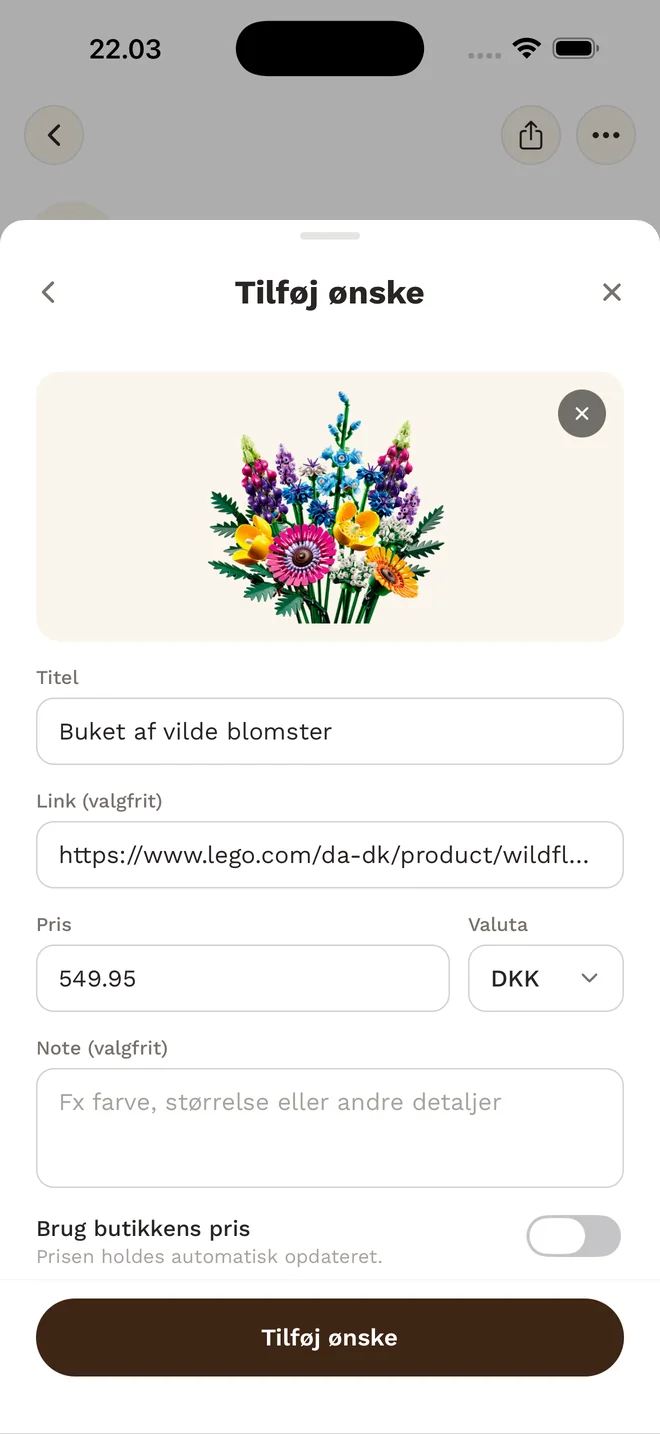
Paste a link from any shop — the image, title and price fill themselves in
Adding a wish is the moment that decides whether a list gets made at all, so it takes a single paste. The fetch starts as soon as a link lands in the field and pulls out the product’s title, image, price and currency. The price can be kept up to date automatically, a wish can be marked as happy-with-second-hand, and you choose how many times it can be reserved — for the things you would gladly get two of.
Any webshop
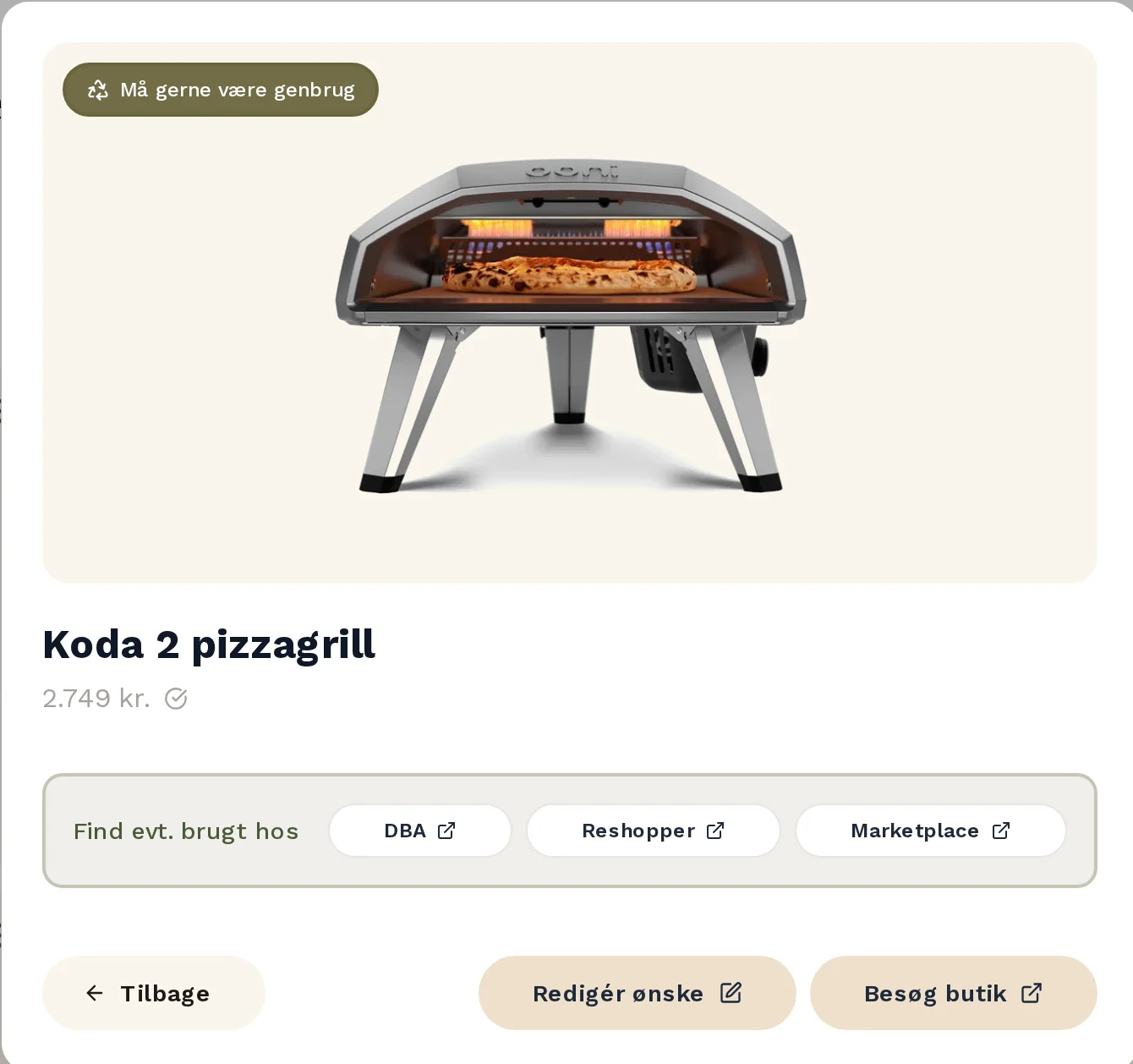
Wishes come from whatever shop people already use — paste the link and the product is on the list. Anything without a link can be added by hand.
Highlight
Reserving a gift without spoiling the surprise
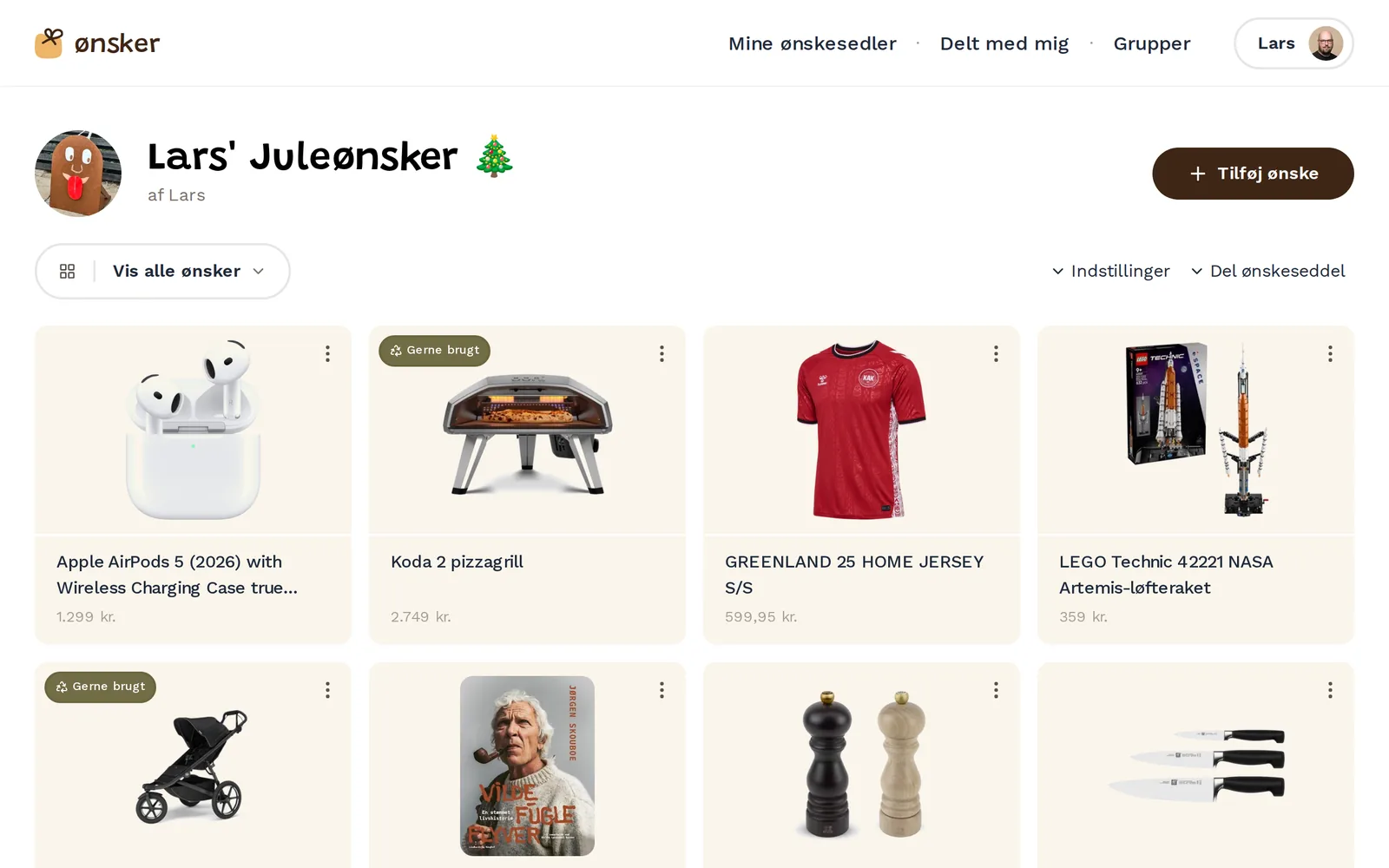
The people you share a list with open it from a link and reserve what they are buying — no account, no app, no password to forget. Everyone else can see that a wish is taken, but not by whom, and the person who made the list never sees what has been reserved at all. The surprise survives while the duplicates disappear.
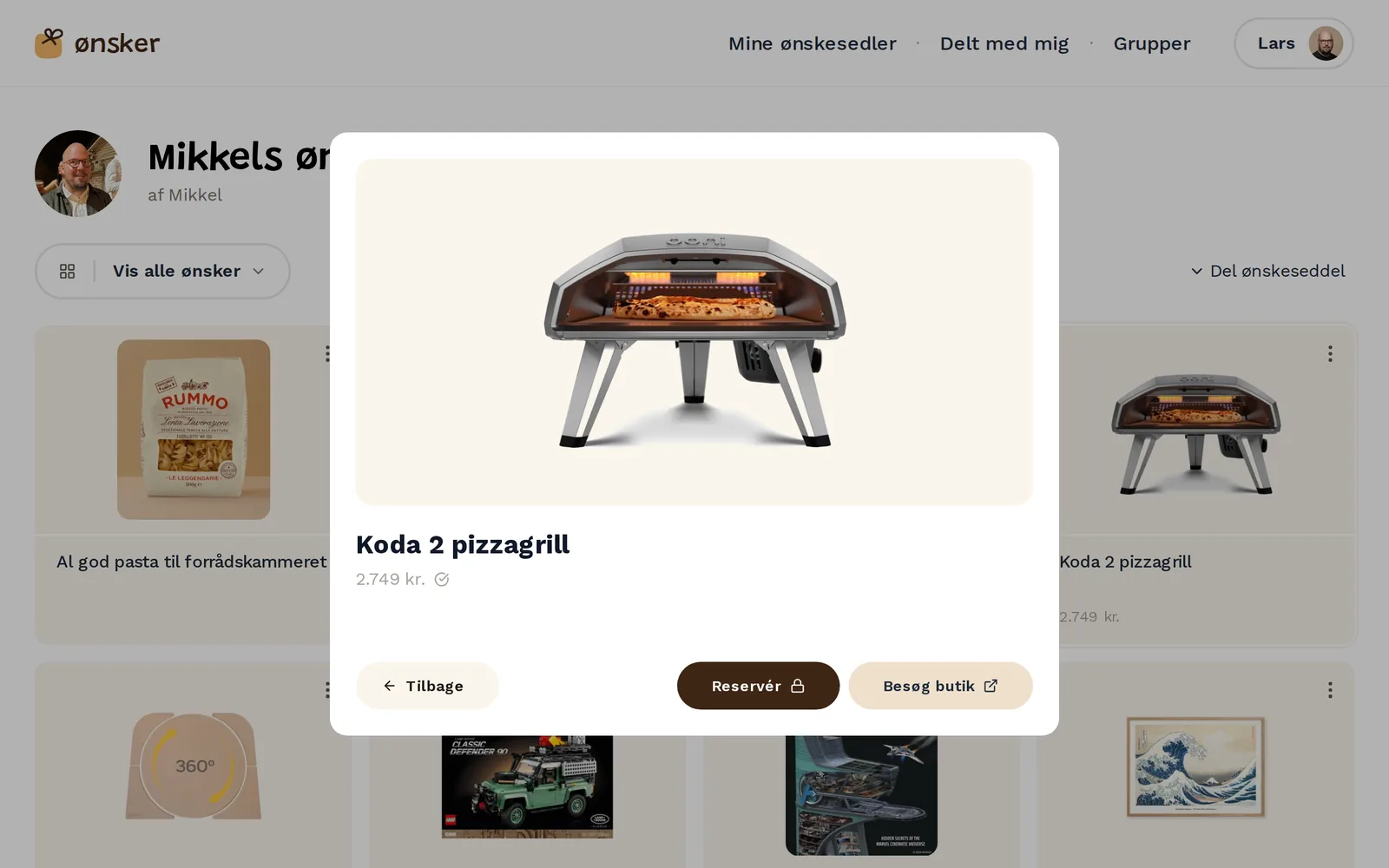
No account needed
Grandparents, colleagues and the neighbours can all see a list and reserve a gift straight from the shared link. Only the person making the list signs up.
Highlight
Built around families, not just individuals
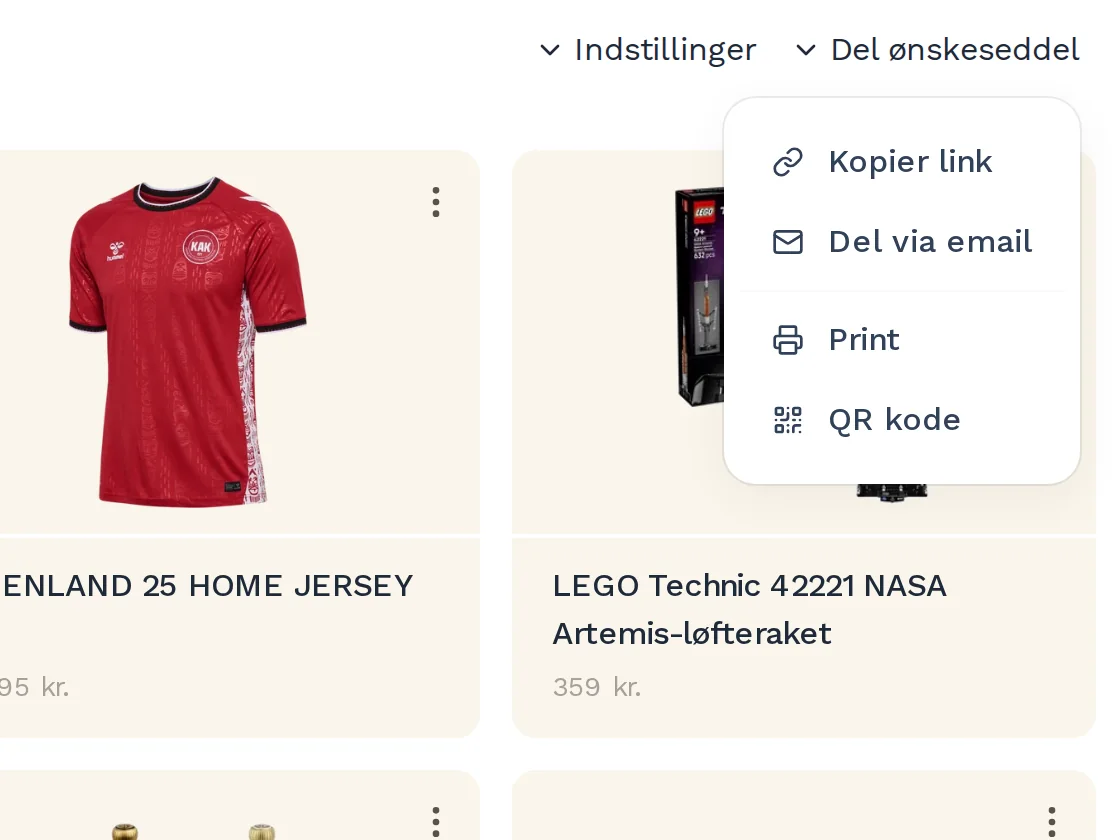
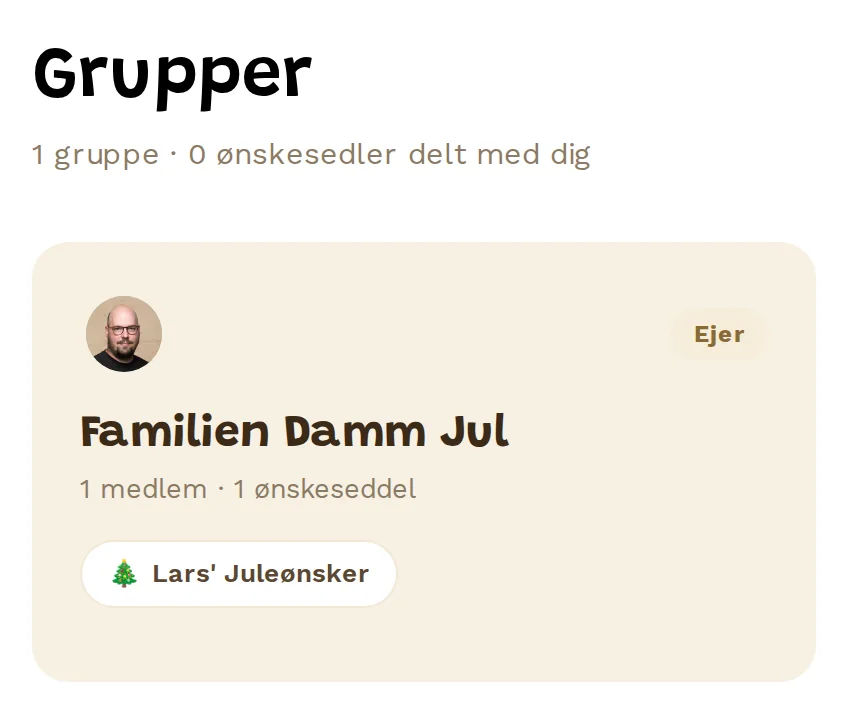
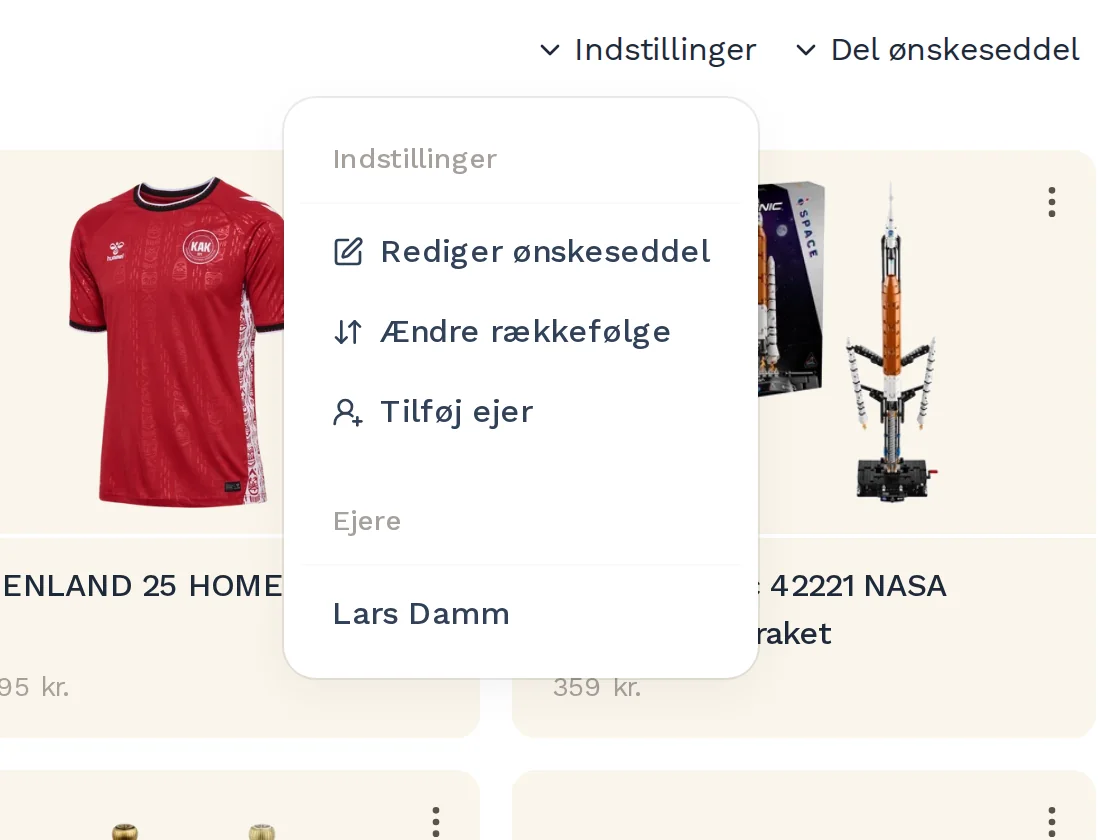
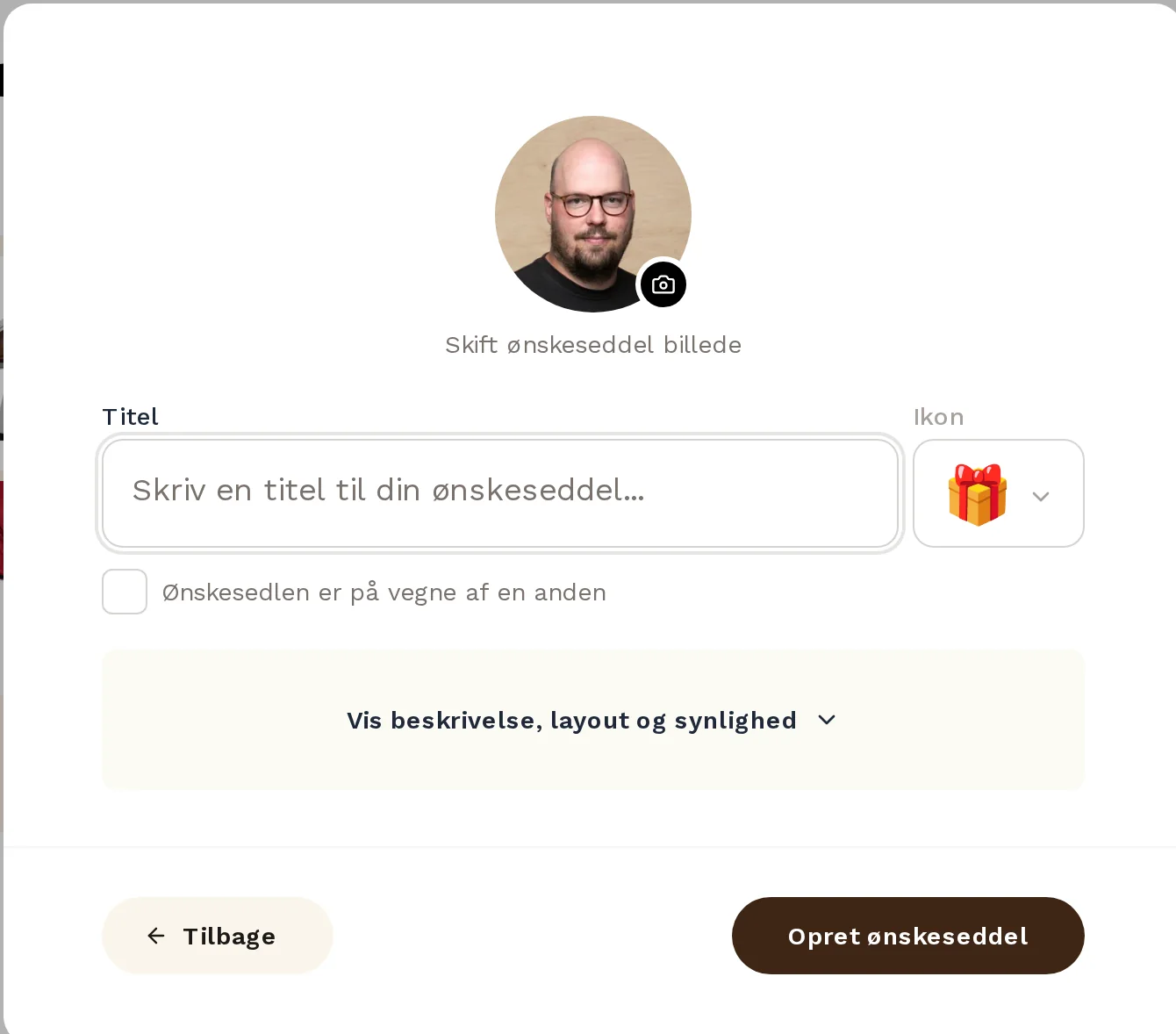
Most wishlists in a family are not made for yourself. A list can be created on behalf of someone else and have more than one owner, so both parents can add to their child’s birthday list. Groups gather a family or a circle of friends in one place, and everything shared with you is organised by person, with your own collections on top.
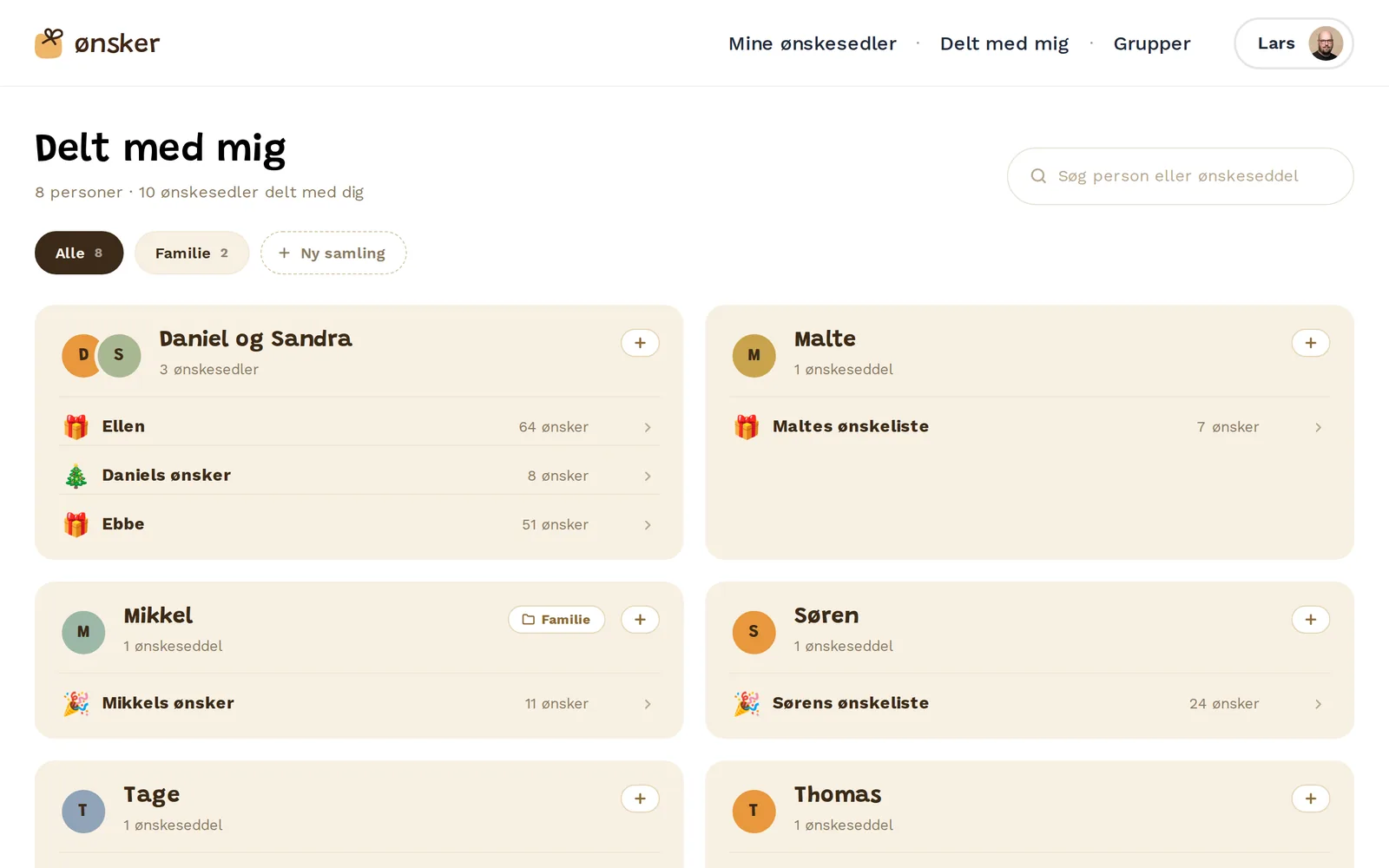
Your own collections
Everything shared with you can be sorted into your own collections — family, friends, the kids’ classmates — so the right lists are always a tap away.
Highlight
Native apps for iOS and Android
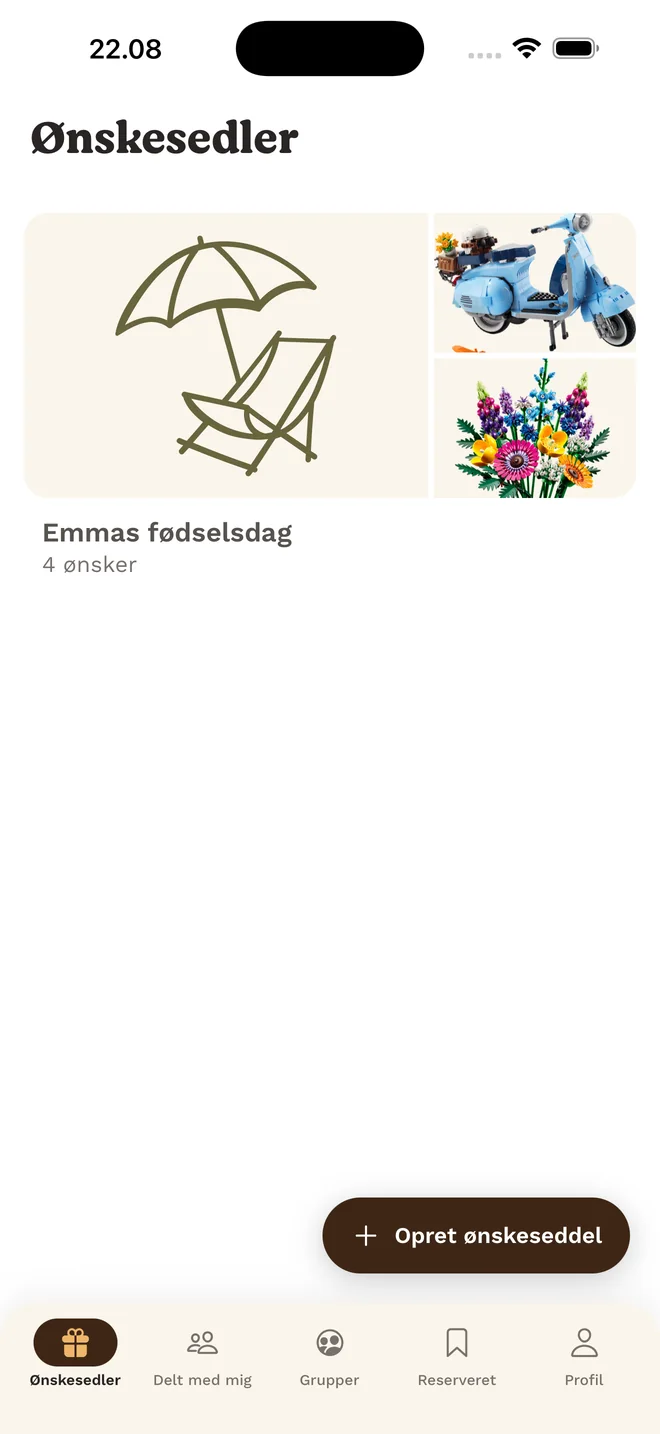
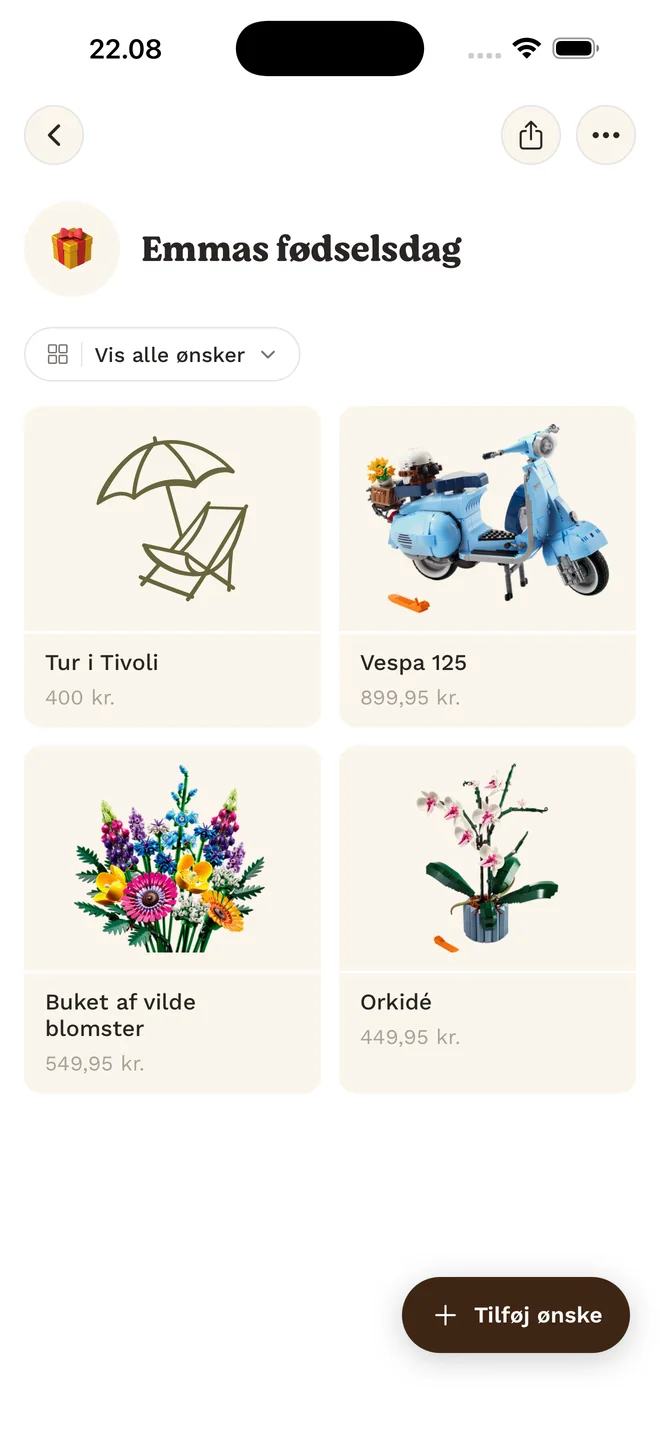
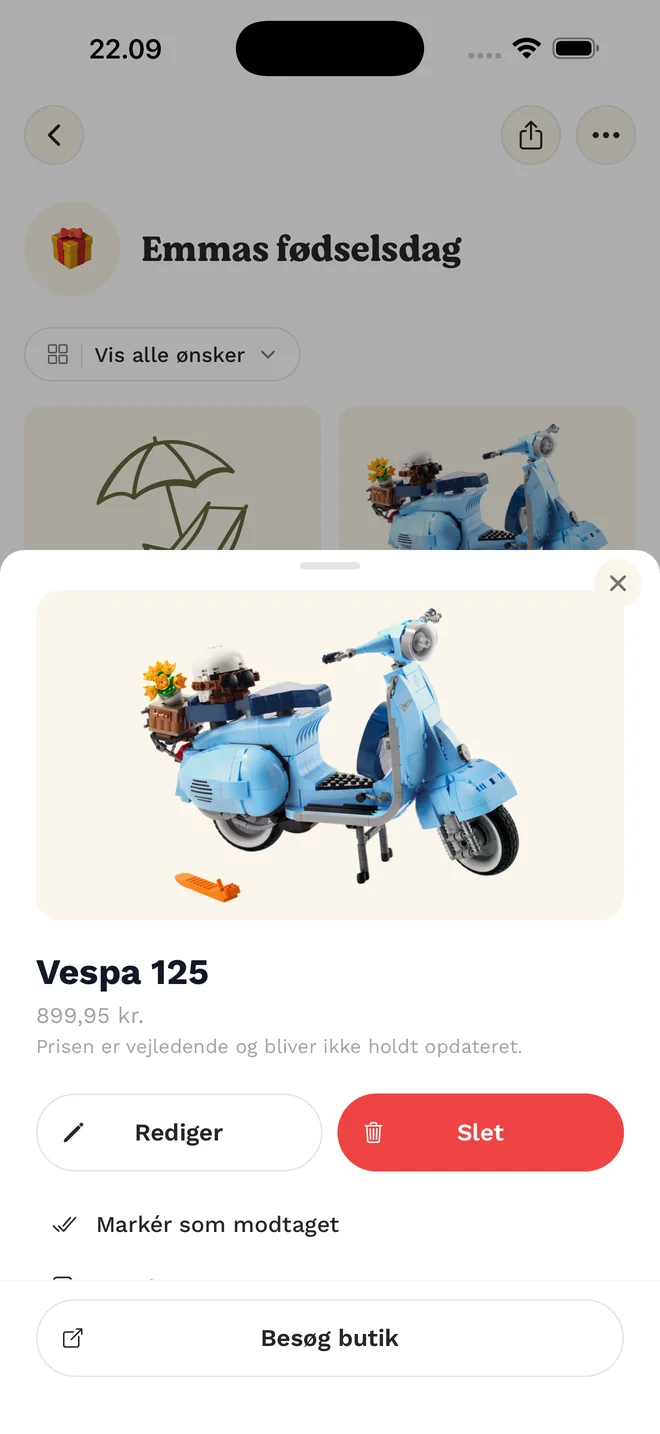
The best moment to add a wish is the moment you come across it. The apps put every list in your pocket, with the same lists and data as the web, and are published by Coding Moon on the App Store and Google Play.
What was built
- The Ønsker.dk web app — wishlists, sharing, groups and reservations
- Link import that fetches a product’s image, title and price from any webshop
- Anonymous reservations without an account, hidden from the list’s owner
- Native apps for iOS and Android on the App Store and Google Play
Stack
- Next.js 16
- React 19
- TypeScript
- Tailwind CSS 4
- MySQL (PlanetScale)
- Prisma
- Better Auth
- Vercel
Want something like this built?
Whether it’s a new product, a process you want automated, a prototype or an extra pair of hands on an existing codebase — I’d love to hear about it.